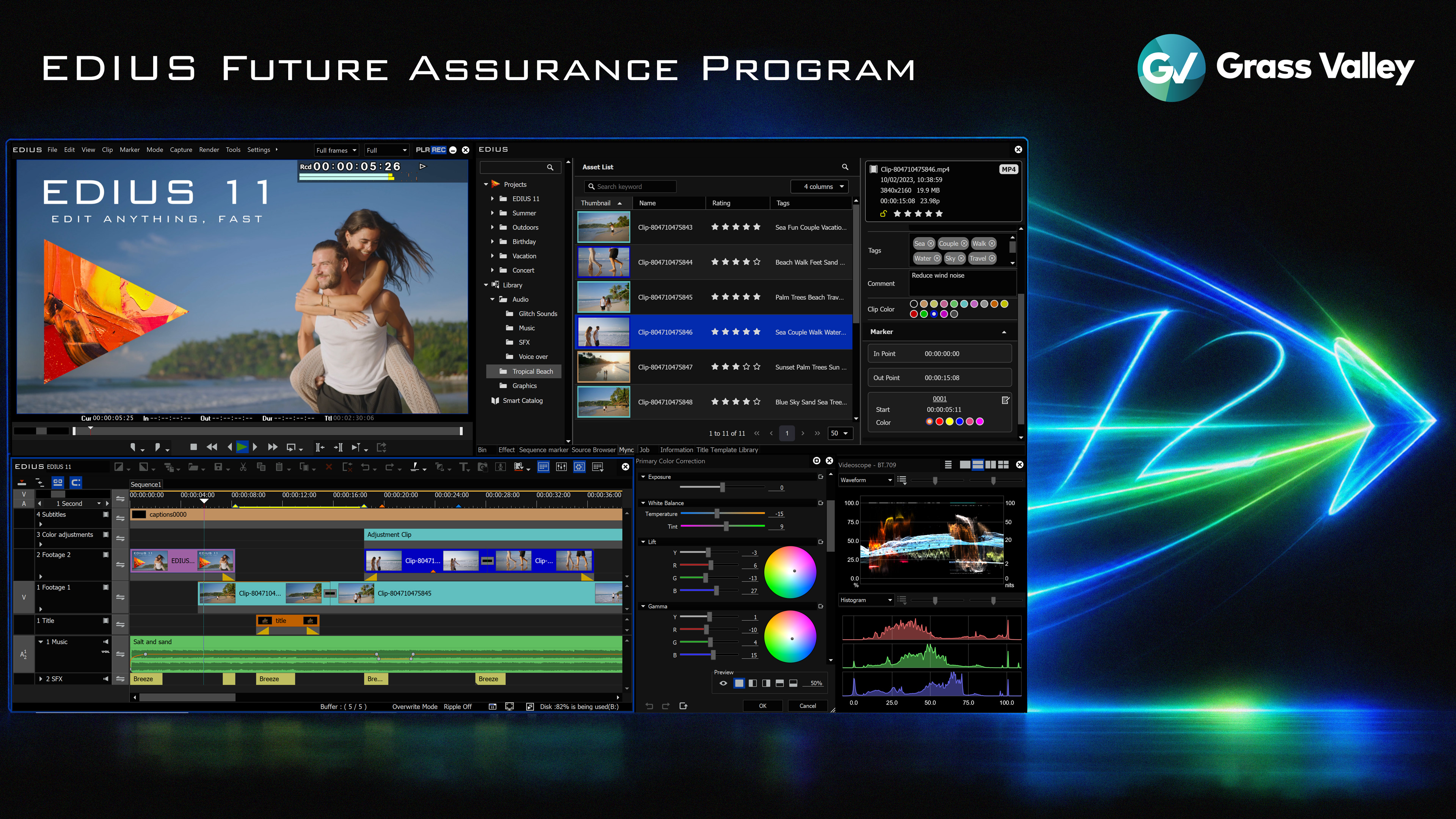
Amsterdam, Netherlands – IBC2026 – September 11, 2026 – magic multi media today announced the Grass Valley EDIUS Future Assurance Program, giving customers who purchase EDIUS 11 from September 11, 2026 onward a complimentary upgrade to the next major version of EDIUS when it becomes available. The offer is also applied retroactively to eligible purchases made on or after September 1, 2026.
The program gives EDIUS customers immediate access to the capabilities of EDIUS 11 while protecting their investment in the next major release. Customers can continue working with the current version while receiving a complimentary upgrade when the next major version becomes available.
Since its introduction at IBC 2023, EDIUS 11 has continued to evolve through a series of free updates, adding significant new capabilities beyond the original release. Enhancements introduced during its lifecycle include AI-powered Speech-to-Text transcription, GPU-accelerated H.264/H.265 decoding, Quick Fix Export, VST3 plug-in support, 32-bit float audio, advanced format support updates, and numerous workflow improvements.
Most recently, EDIUS 11.51 added further features and refinements. Rather than reserving innovations for a future major release, EDIUS development has continued throughout the lifecycle of EDIUS 11, with new capabilities made available to customers as they are ready.
At IBC2026, on Grass Valley stand 9-A01, visitors can also see upcoming support for the new RAW formats of Sony's latest FX5 camera, planned for release at the end of September 2026. The addition further extends EDIUS' native format support. magic multi media will also provide an early preview of several EDIUS enhancements currently in development, offering customers a first look at capabilities planned for upcoming releases.
EDIUS is also being demonstrated as part of wider production workflows, including integration with Grass Valley AMPP and Framelight X. These workflows connect editing with media processing, asset management and production environments. The latest version of the T3 Player/Recorder will also be demonstrated, supporting up to four HD channels or three 4K channels in real time and integrating with EDIUS for ingest, recording, playout and editing workflows.
"EDIUS has continued to develop significantly since the launch of version 11," said Atsushi "Alex" Kataoka, Product Manager, Grass Valley EDIUS. "The Future Assurance Program gives customers the opportunity to invest in EDIUS 11 today while knowing that they will also receive the next major version at no additional cost."
For magic multi media the program provides customers with a clear path forward as EDIUS continues to evolve, combining the capabilities available today with access to the next major generation of the editing software.
Availability
The EDIUS Future Assurance Program is available for eligible EDIUS purchases made from September 1, 2026.
EDIUS 11 Pro and Workgroup customers can claim their complimentary future upgrade at edius.net/free. EDIUS Broadcast customers should contact their EDIUS representative for upgrade details.
Customers receive immediate access to EDIUS 11 and a complimentary upgrade to the next major version, all at current pricing.
For more information, visit EDIUS.NET or an authorized EDIUS reseller.
EDIUS and several technology highlights will be showcased at IBC2026 on the Grass Valley stand 9.A01 in Hall 9. The magic multi media team looks forward to welcoming you and discussing the latest developments in person!